URL Shortening Service Guide
Use our URL shortening service to make long URLs short and simple. Click the button below to get started!
Shorten URLURL Shortening Service Guide
Use our URL shortening service to make long URLs short and simple. Click the button below to get started!
Twitter X (formerly Twitter) has a 280 character limit that makes it difficult to write long posts, so many users have trouble sharing long links. To solve this problem, you can use the KO.FM URL shortening service to shorten long links simply and efficiently. In this article, we’ll detail how to use KO.FM to shorten long links and share them on Twitter X.
1. Introduction to KO.FM URL shortening service

KO.FMis a URL shortening service with a user-friendly interface and powerful features. It shortens long URLs, and also offers link analysis and customization features. It allows users to create shorter, easier-to-remember URLs.
2. How to shorten links using KO.FM
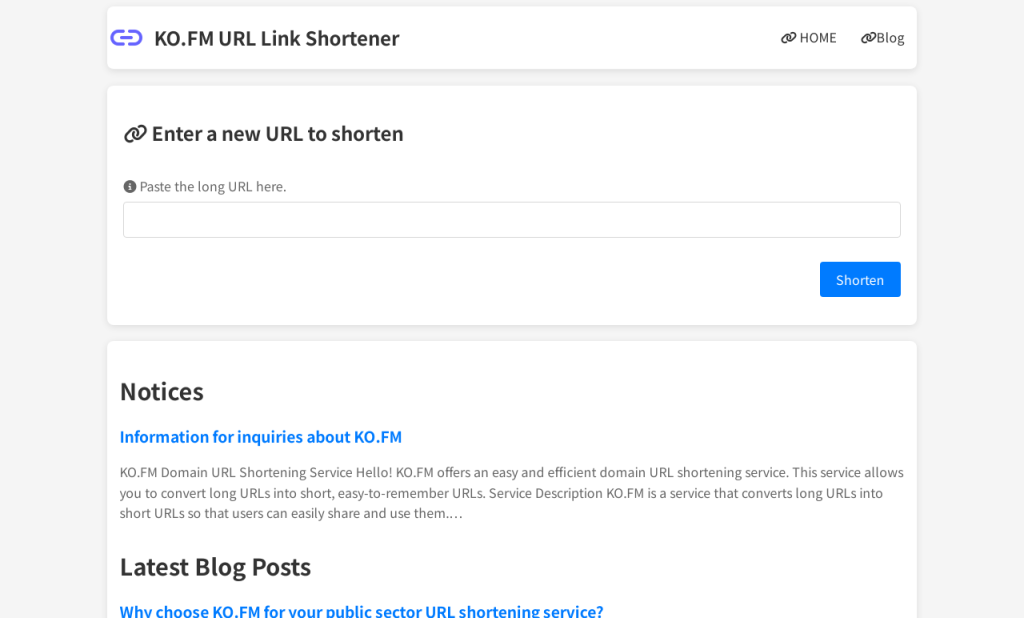
2.1. Access the KO.FM website
First, go to the KO.FM website. You don’t need to sign up or log in, so you can start using the URL shortener right away.
2.2. Enter a long URL
Copy and paste the long URL you want to shorten into the input box on your website. For example, enter a long link, such as a blog post or news article.
2.3. Click the shortcut button
After entering the URL, click the ‘Shorten’ button, which will instantly generate a QR code with the shortened link. This QR code can also be easily scanned and accessed from mobile devices.
3. Share the shortened link on Twitter X
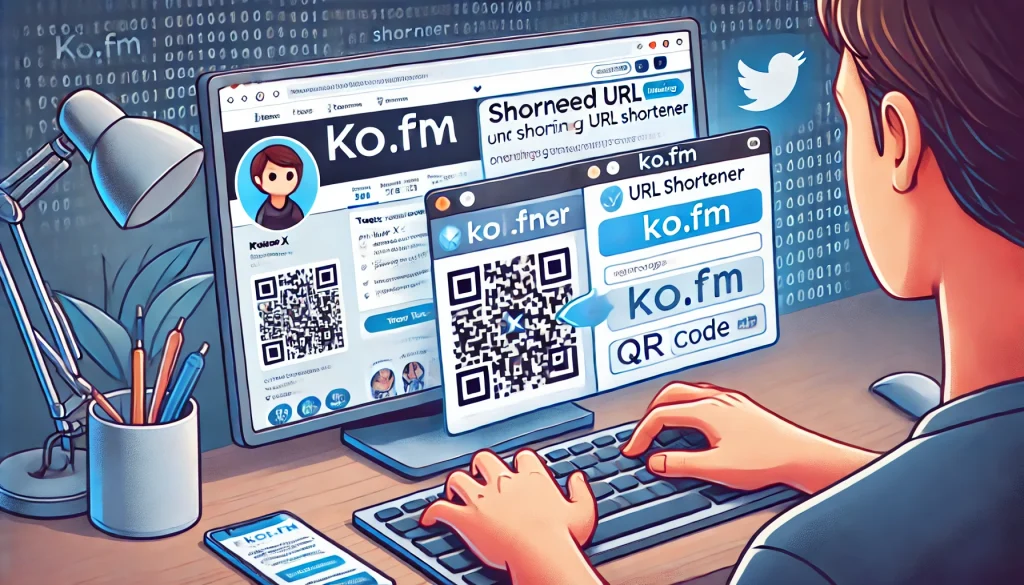
3.1. Compose a Tweet
Sign in to Twitter X and open a new Tweet compose window. Include the shortened link in your Tweet. For example, “Check out our new blog post: [shortened link]”.
3.2. Add hashtags and mentions
Add relevant hashtags and mentions to extend the reach of your Tweet. For example, use “#blog”, “#new”, “@relatedaccounts”, etc. to help more people discover your Tweets.
3.3. Post a Tweet
After composing your Tweet, click the “Tweet” button to post it. Now your followers can easily access the long URL via the shortened link.
4. Utilize KO.FM’s additional features
4.1. Utilize QR Codes
The generated QR code makes it easy to share links offline. QR codes are great for print materials, business cards, posters, and more.
4.2. Brand customization (may be updated in the future)
To increase brand awareness, you can take advantage of KO.FM’s customizable shortened URL feature. For example, create a URL that includes your brand name or campaign name, such as “ko.fm/YourBrand”.
4.3. Link Redirects (may be updated in the future)
If you need to change the destination of a link, you can use KO.FM’s redirect feature to redirect an existing shortened link to a new URL. This allows you to update the content while maintaining the validity of the link.
Finally…
Sharing long links on Twitter X can be solved very simply and effectively with the KO.FM URL shortener service. Use KO.FM to shorten long URLs, create QR codes, customize your brand, and more to make your links more accessible to more people. Maximize the effectiveness of your link sharing on Twitter X with KO.FM.